
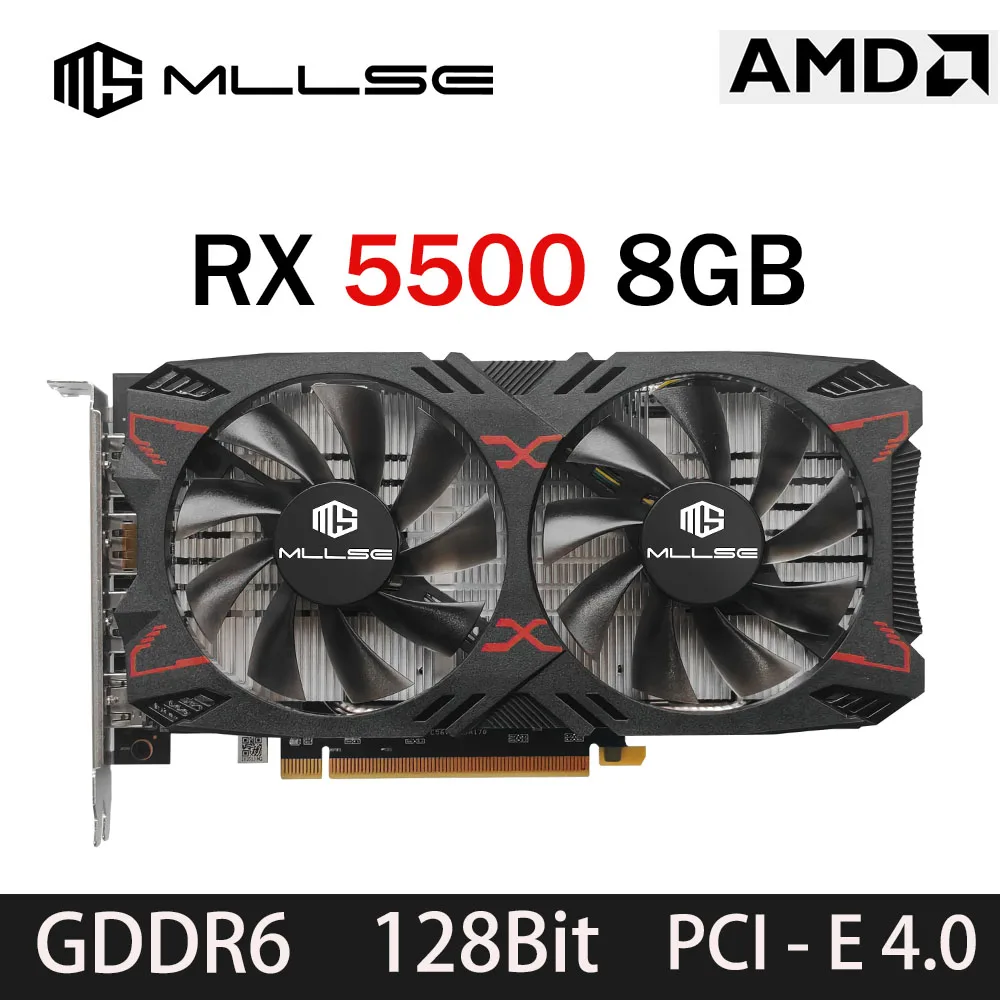
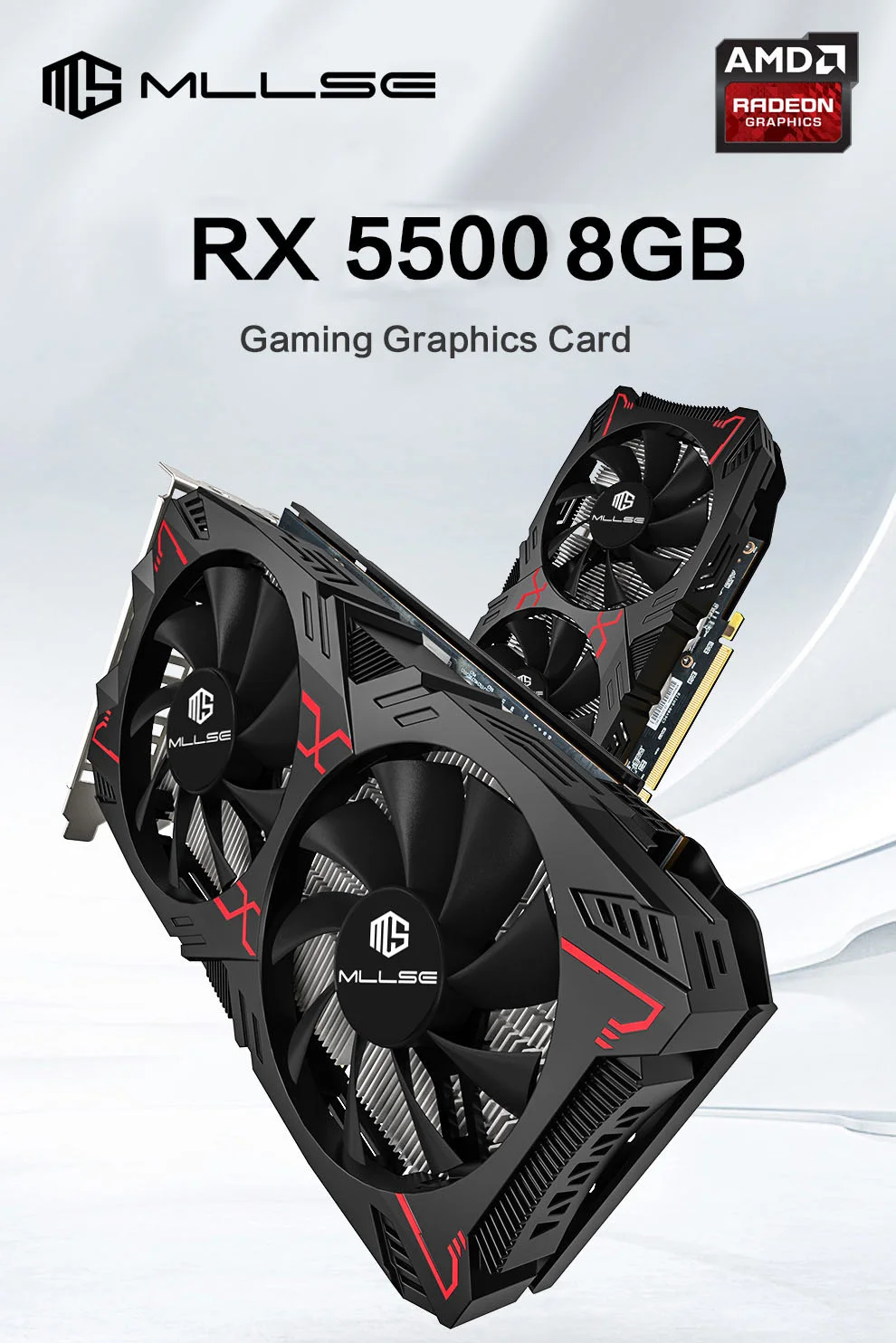
MLLSE RX 5500 8GB Graphics Card Performance and Specifications
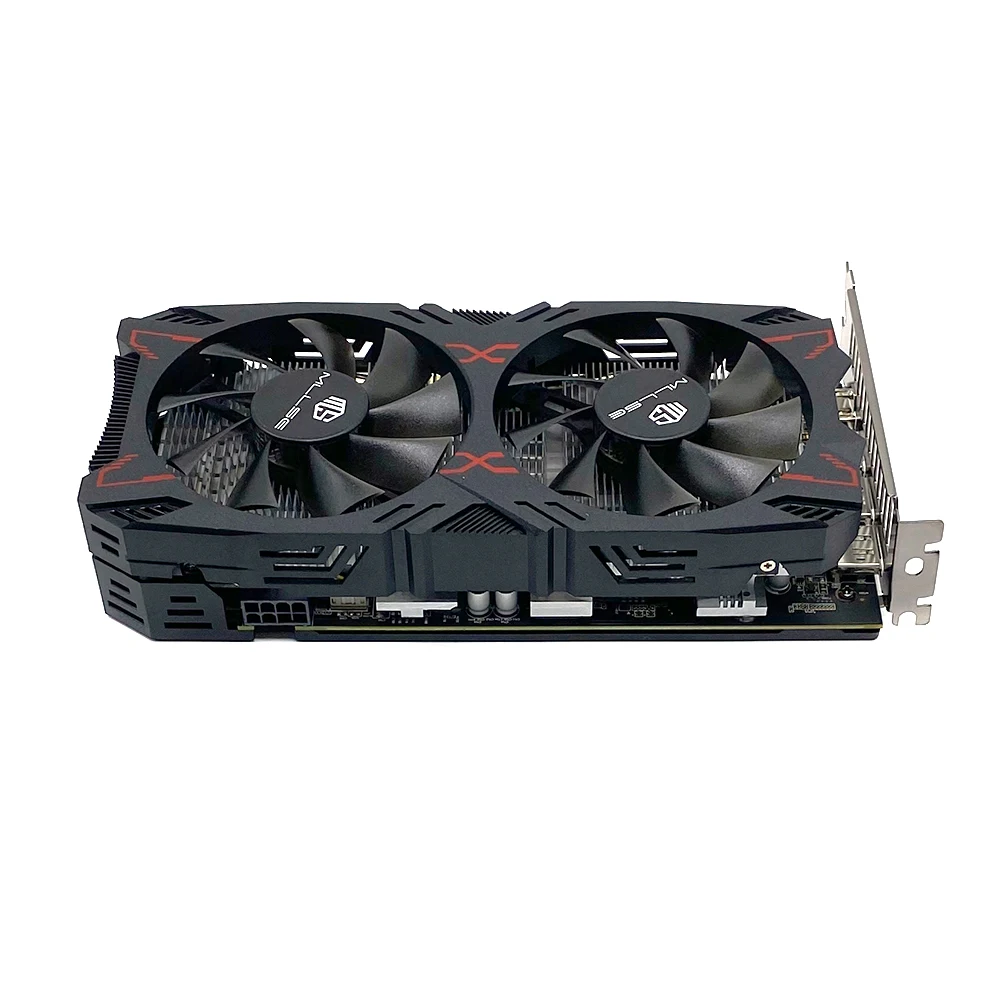
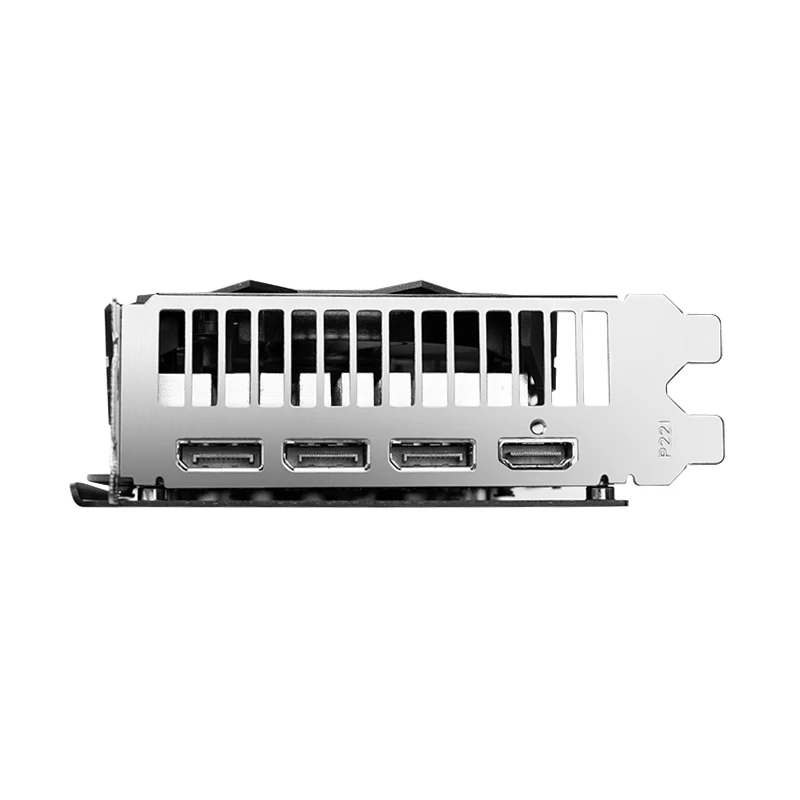
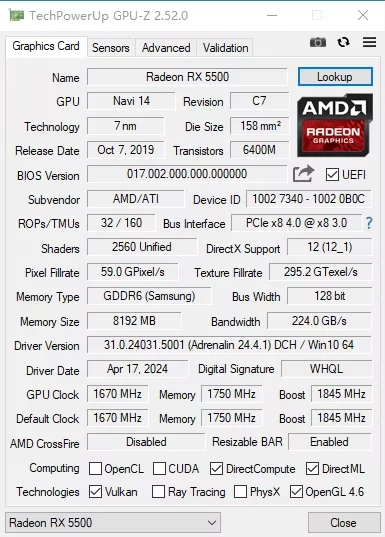
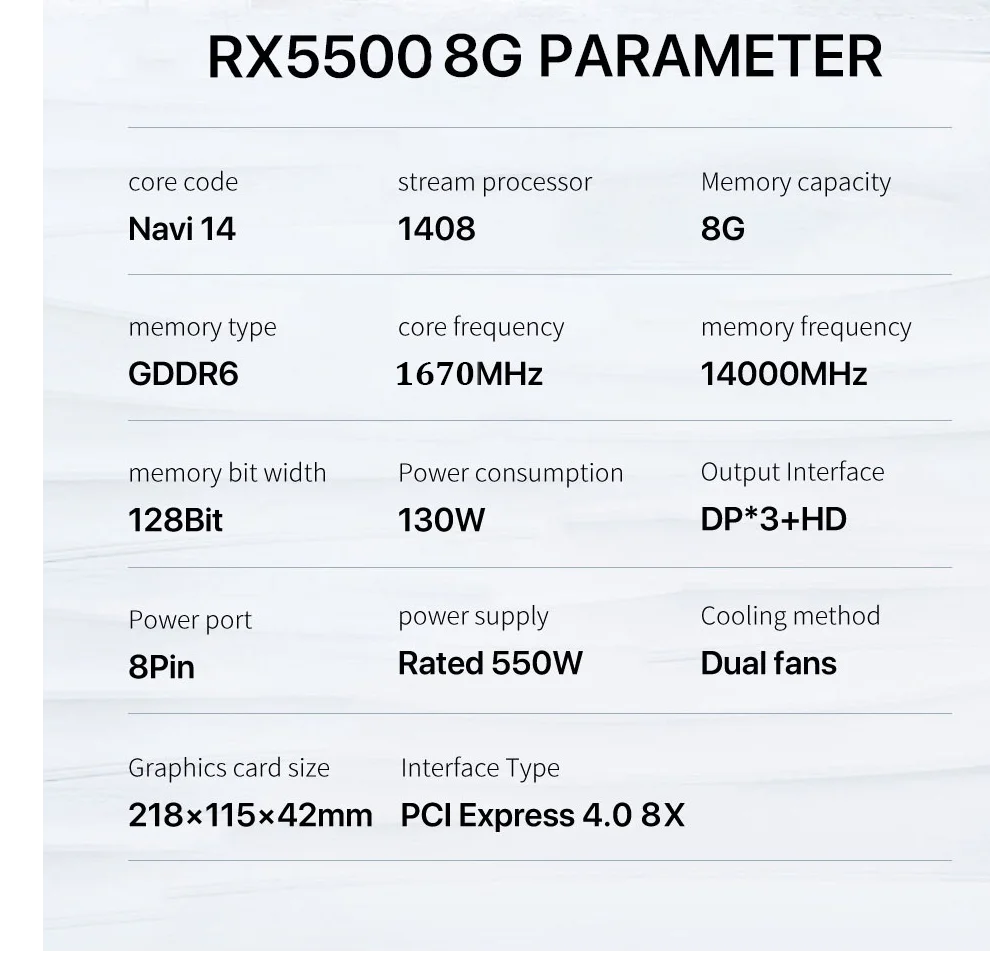
The advanced 7nm architecture reduces power consumption while maintaining strong gaming capabilities across 1440p and 1080p resolutions. GDDR6 memory performance combined with a 128-bit memory interface delivers the bandwidth needed for smooth gameplay in demanding titles. PCI Express 4.0 support ensures full compatibility with current and next-generation motherboards while maximizing data transfer speeds. The 8-pin power connector keeps total system requirements reasonable, making this card ideal for budget builds and upgrades. Triple DisplayPort outputs give you flexibility to run multiple monitors or high-refresh displays for gaming, content creation, or professional work.
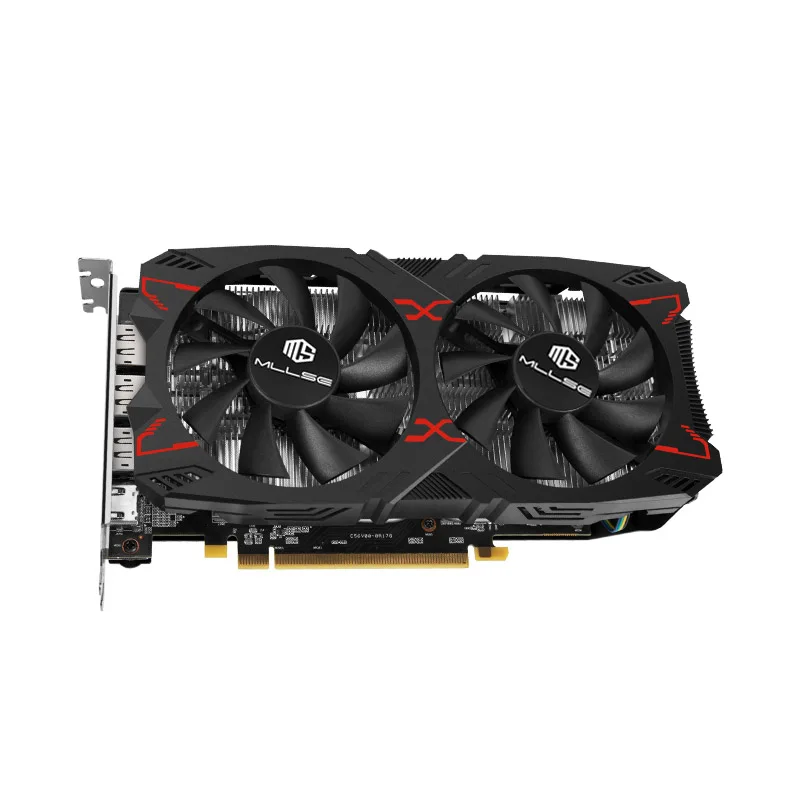
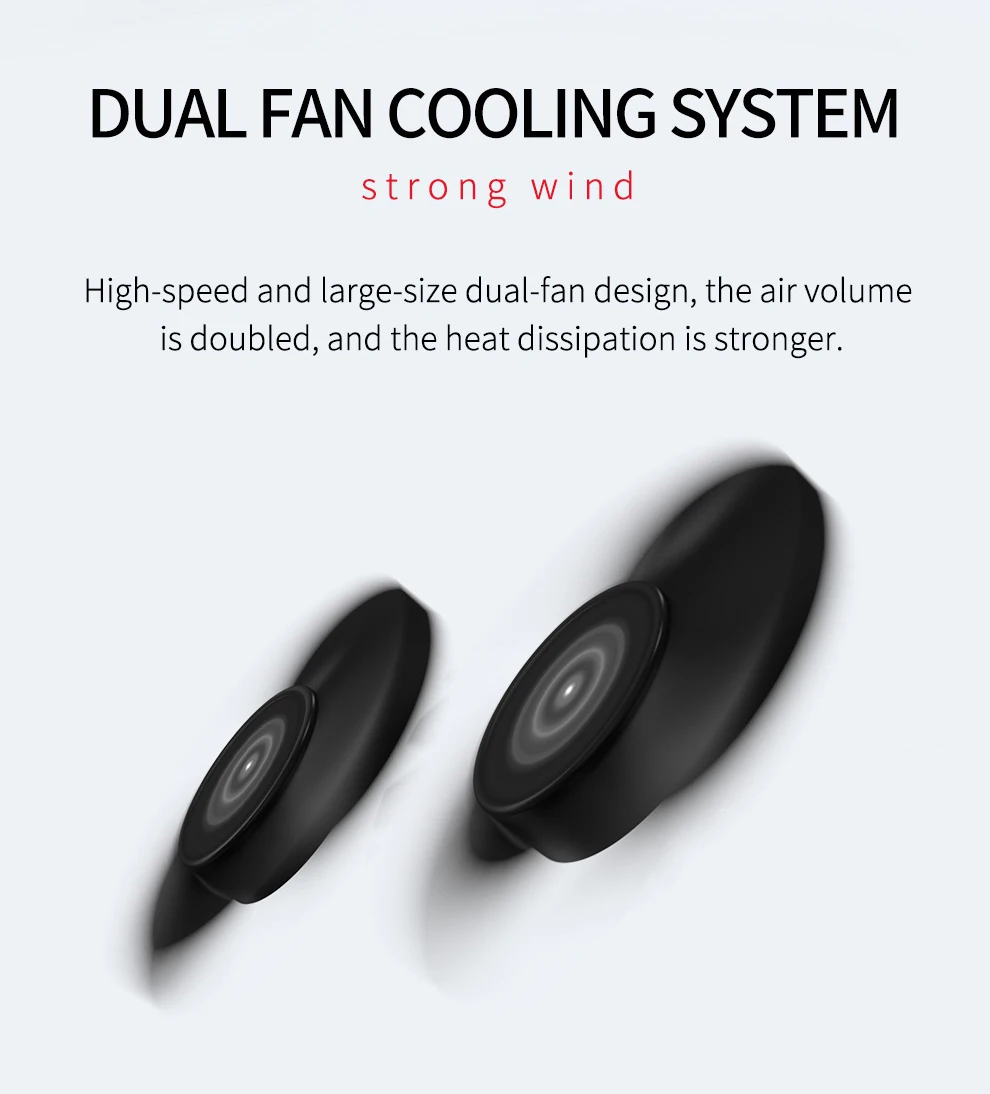
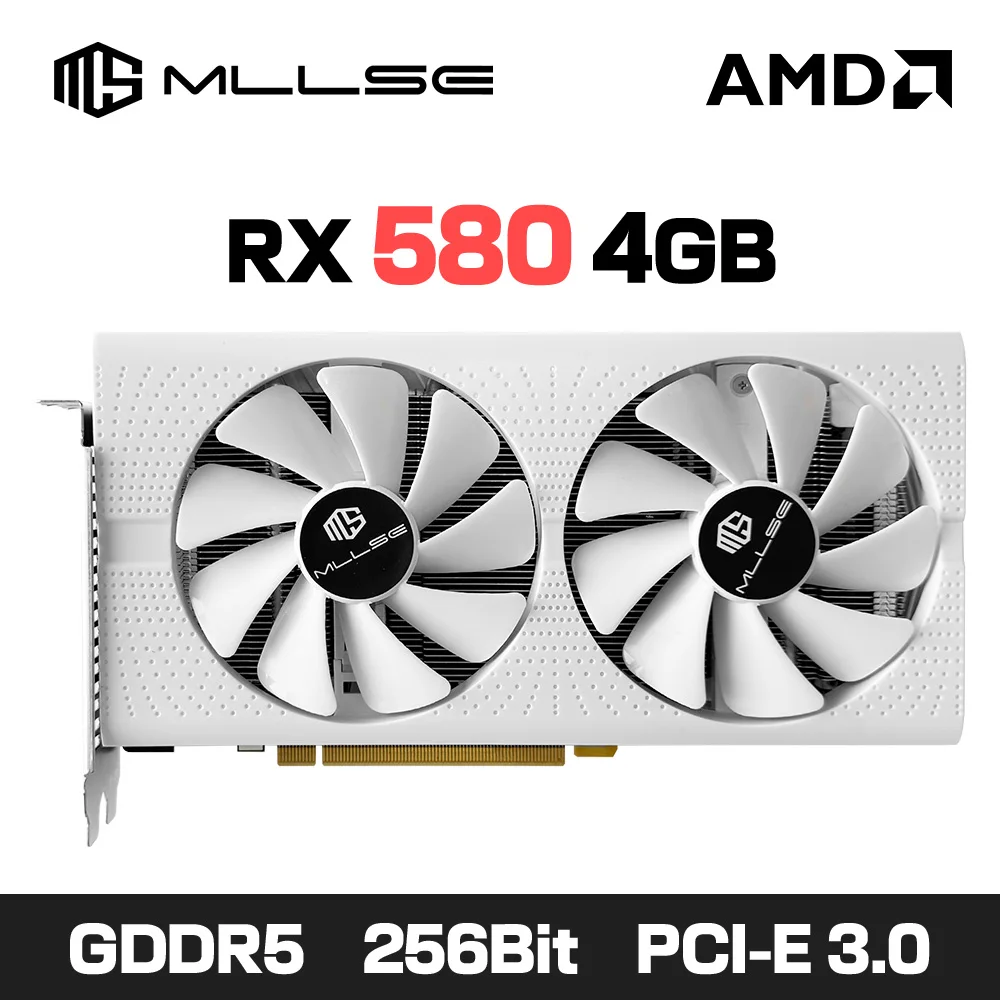
Dual-fans cooling system — Strong wind
High speed and large size dualfan design, double the wind to introduce airflow.
and thestrong wind will dissipate heat faster.
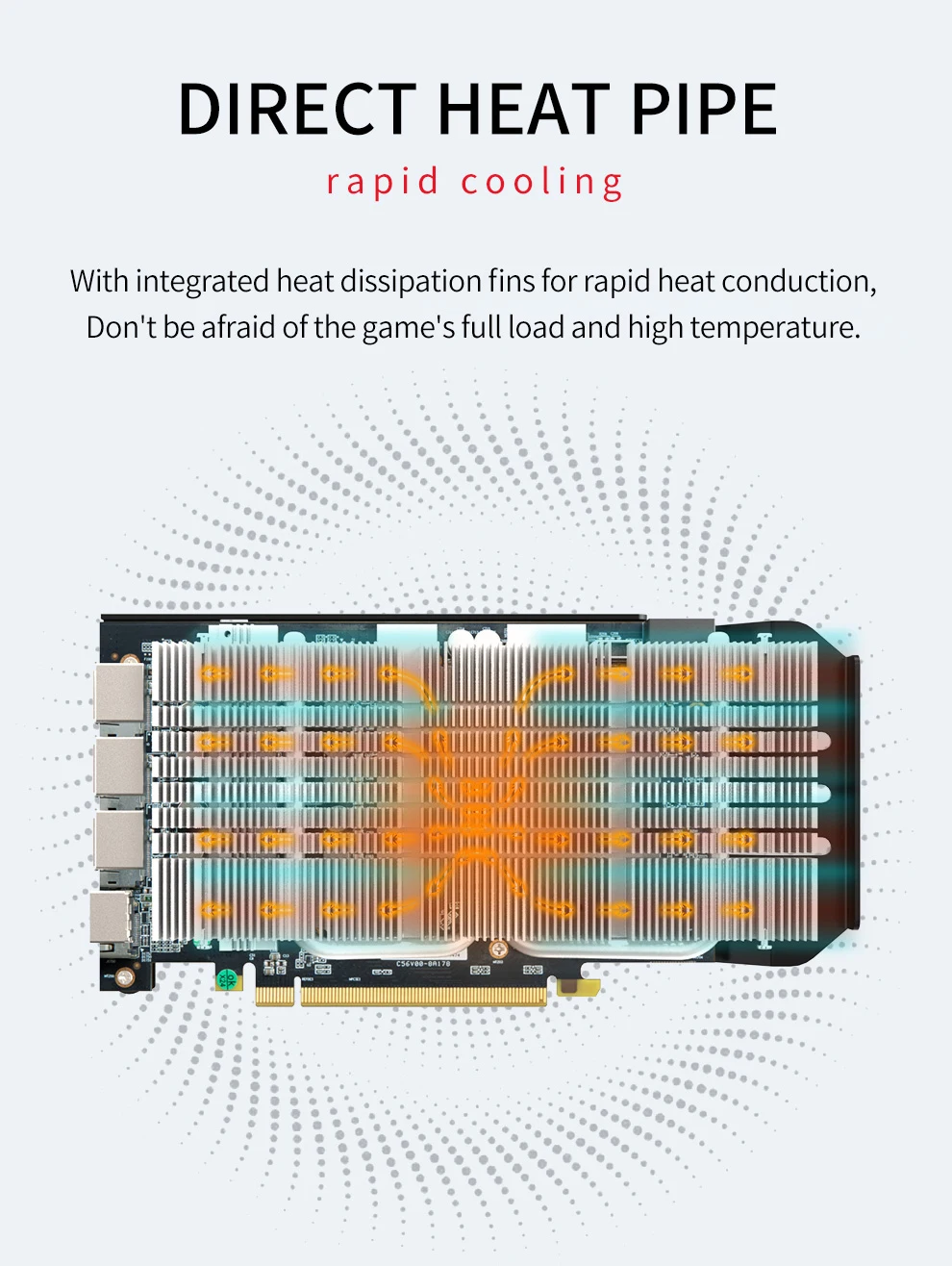
DIRECT HEAT PIPE — rapid cooling
With integrated heat dissipation fins for rapid heat conduction,Don’t be afraid of the game’s full load and high temperature.
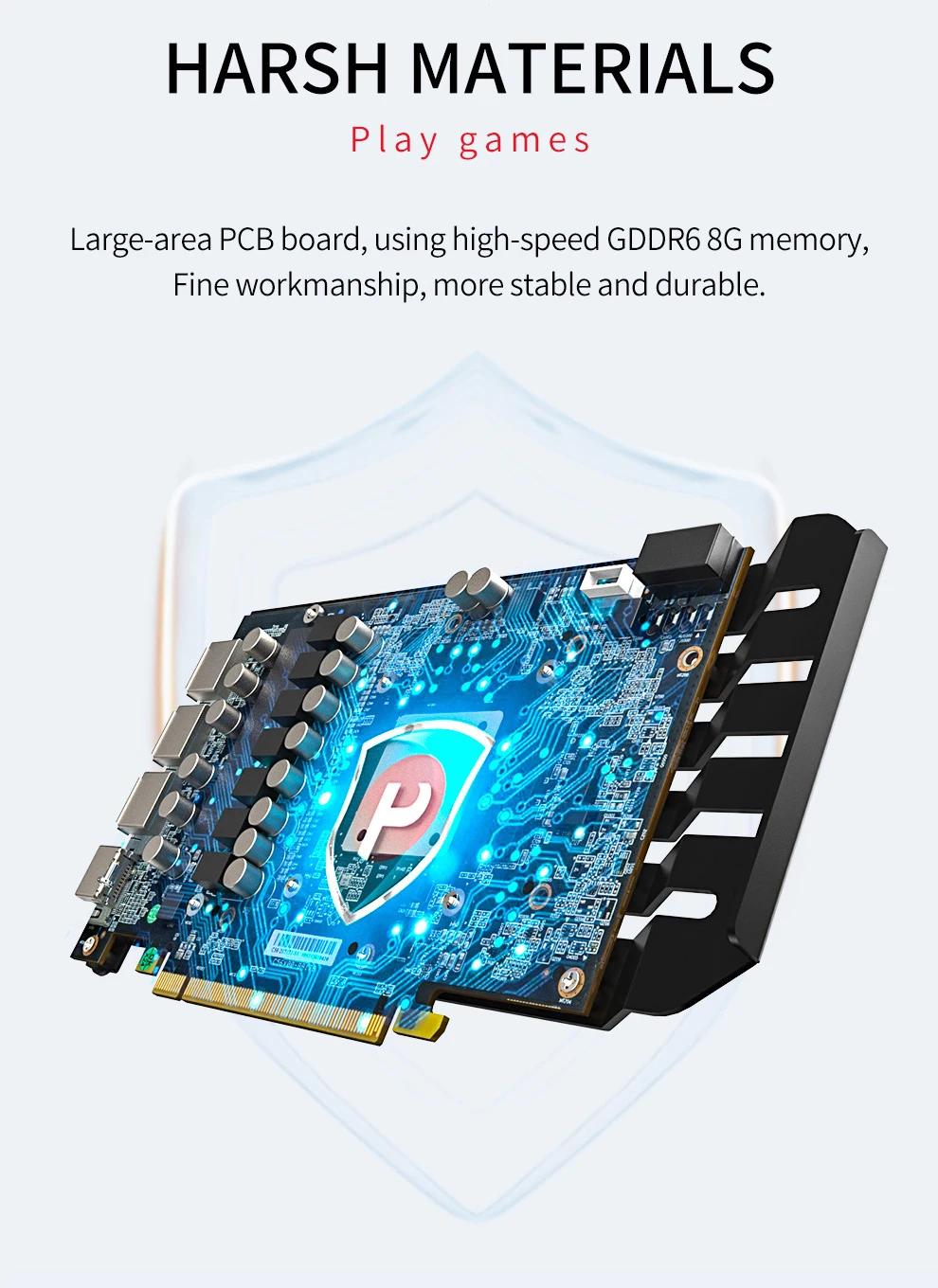
HARSH MATERIALS — Play games
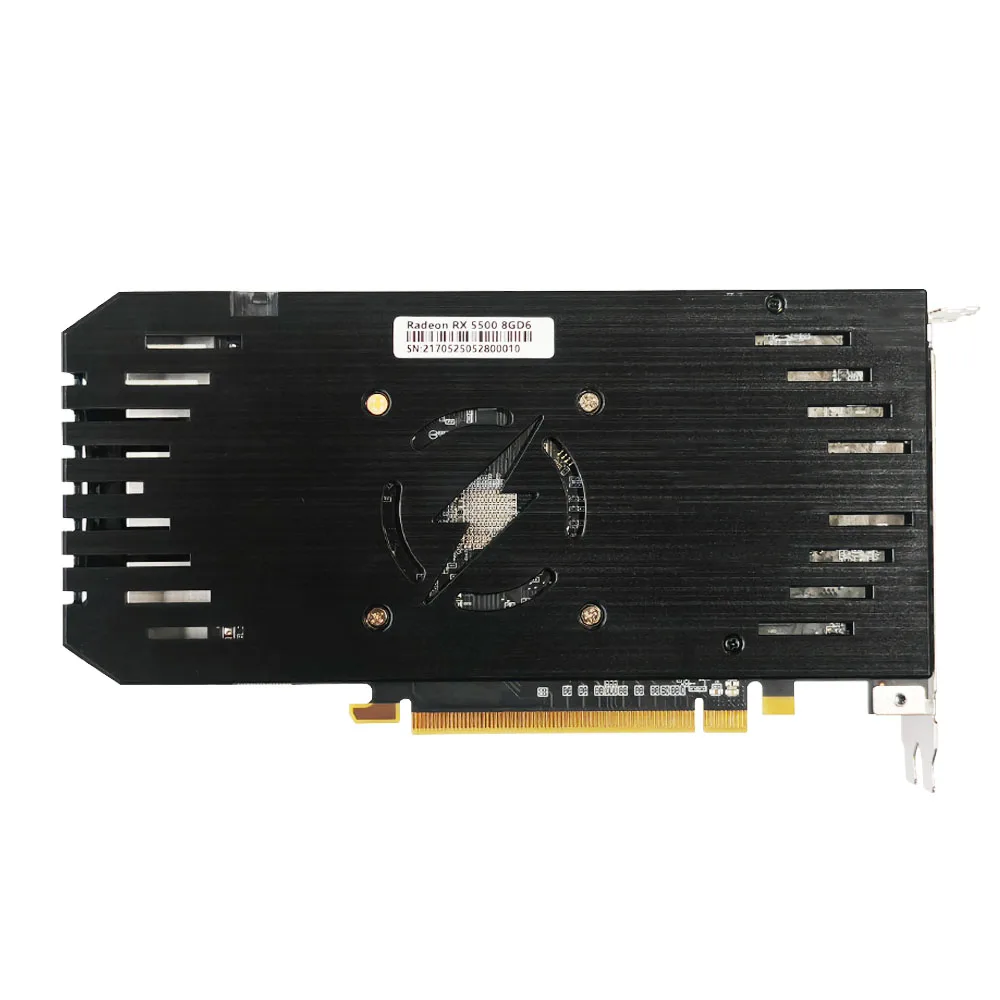
Large-area PCB board, using high-speed GDDR6 8G memory,Fine workmanship, more stable and durable.
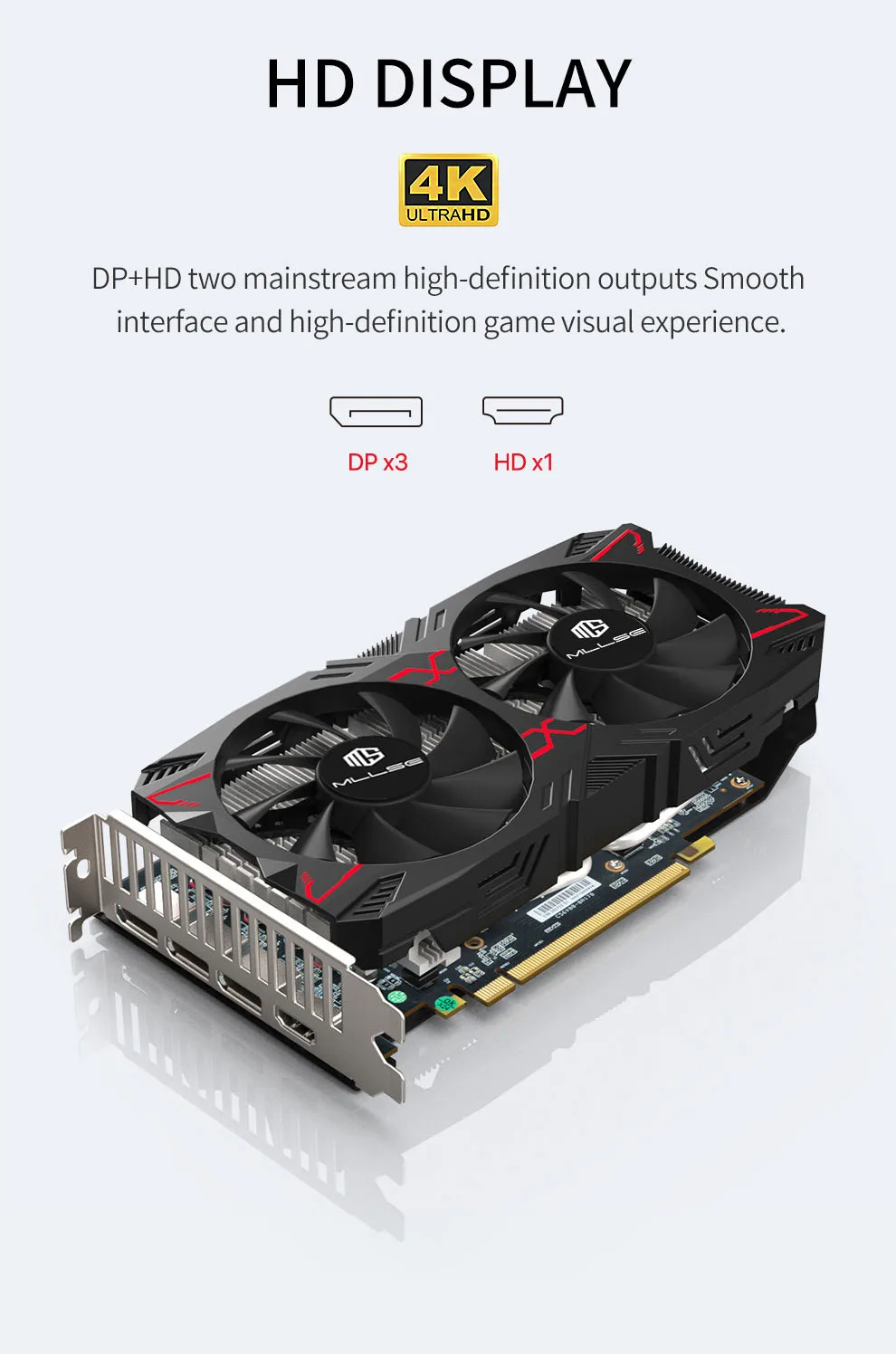
4K HD Display
DP+HD two mainstream high-definition outputs Smoothinterface and high-definition game visual experience.
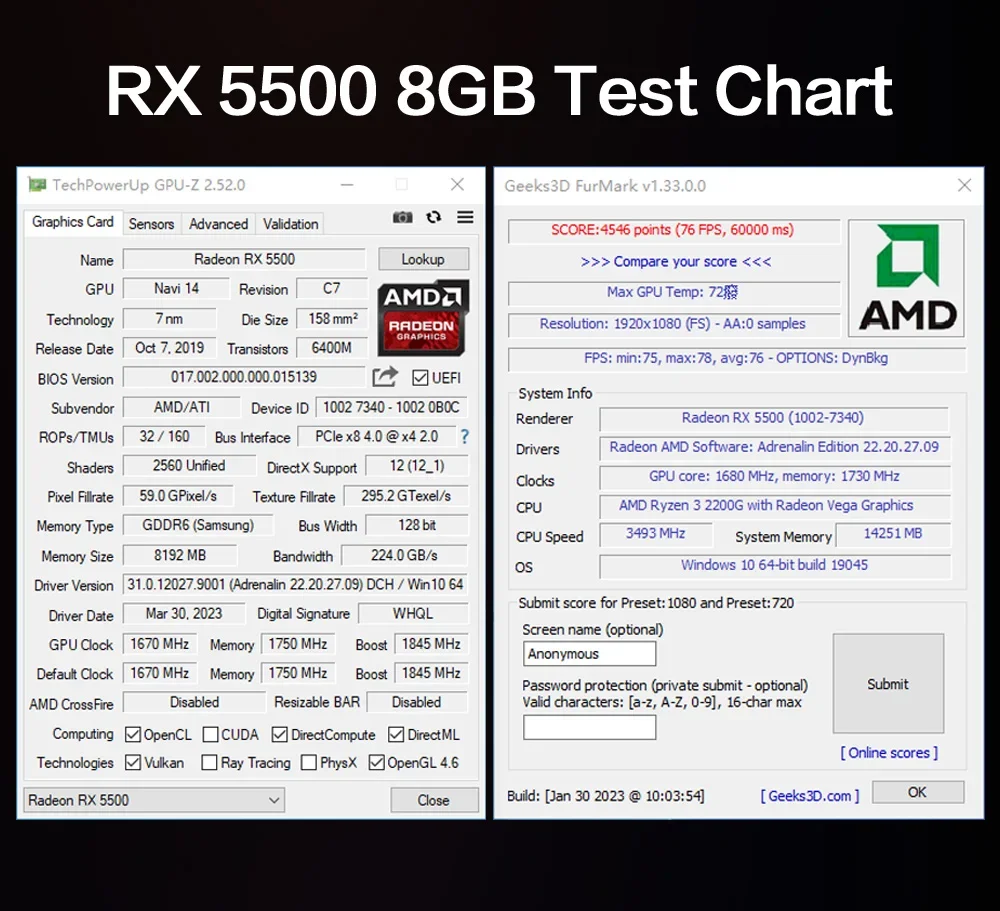
RX5500 8GB Test Chart
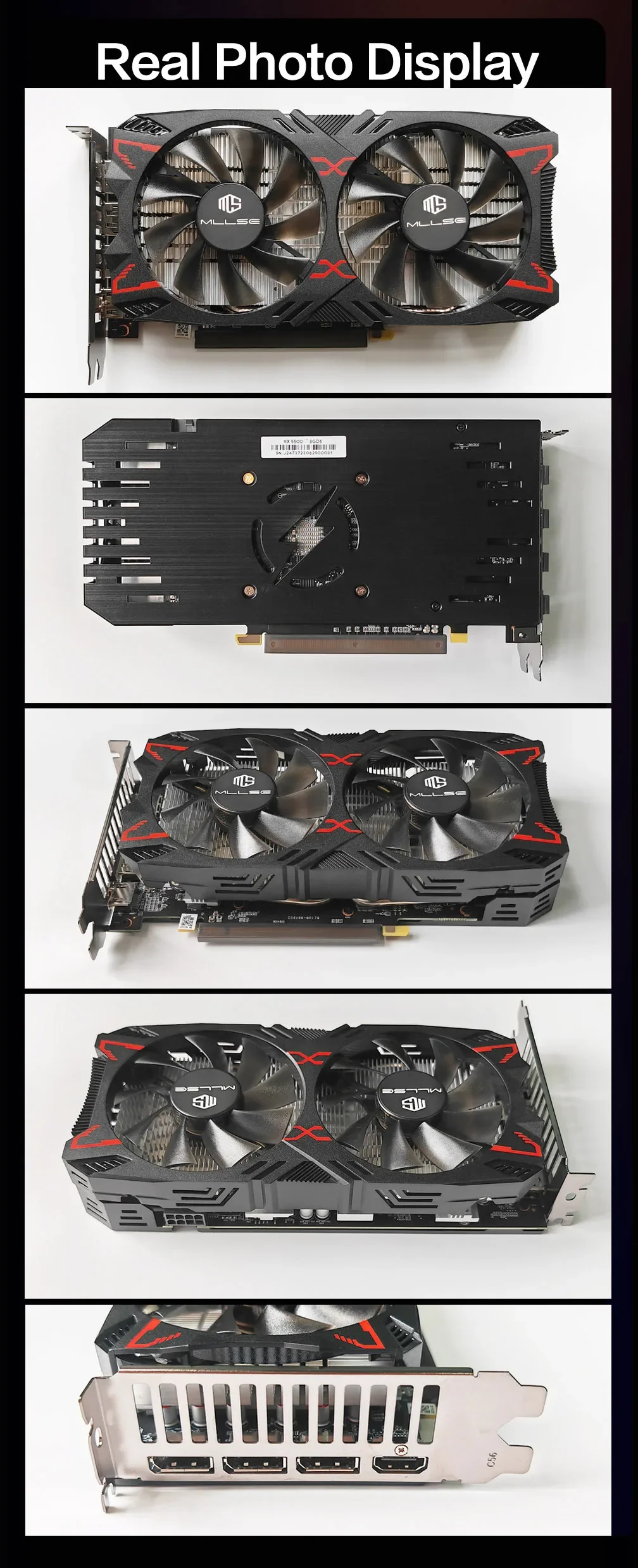
Realistic photo display
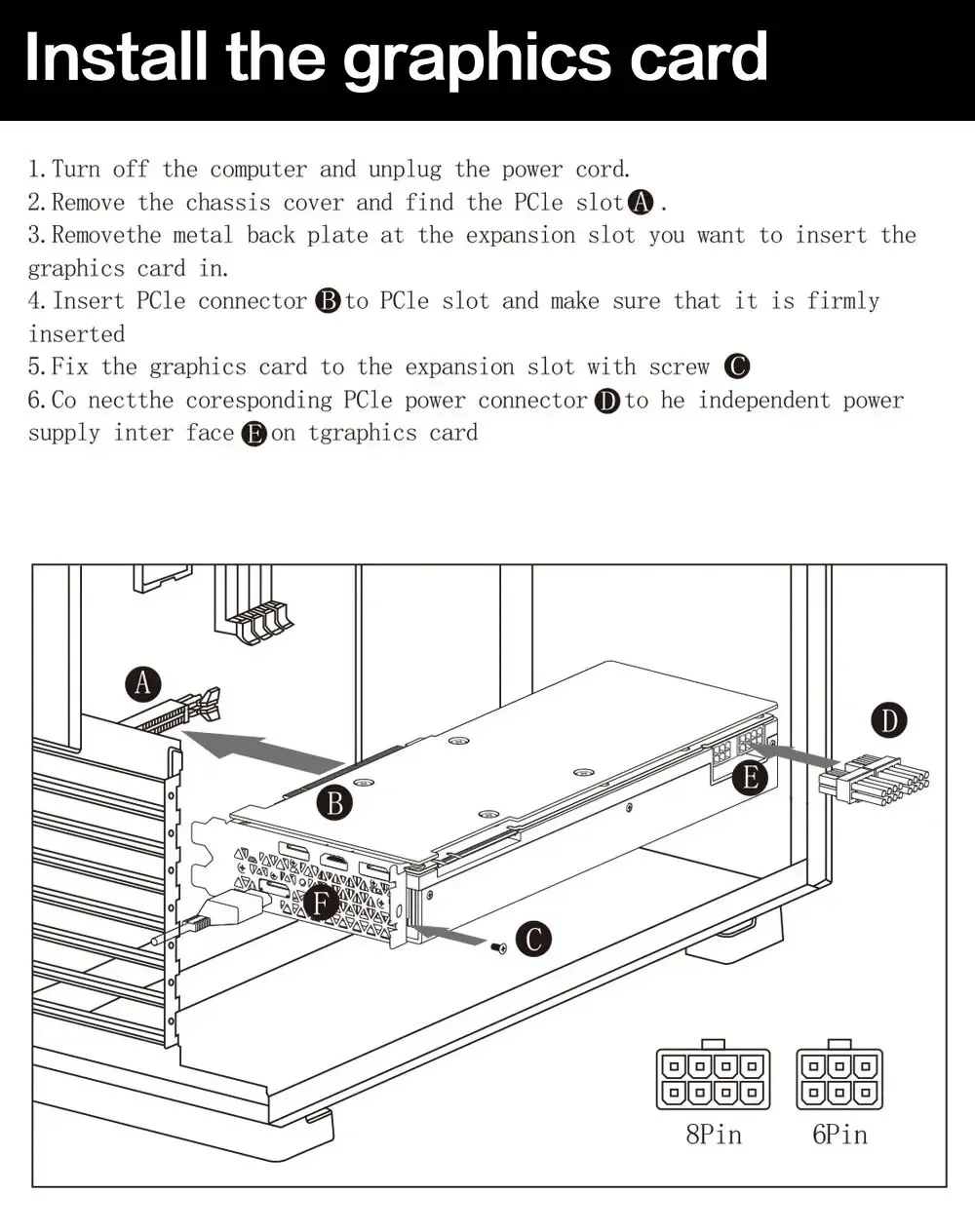
Install the graphics card
1.Turn off the computer and unplug the power cord.
2.Remove the chassis cover and find the PCle slot.(A)
3. Removethe metal back plate at the expansion slot you want to insert the graphics card in.



Reviews
There are no reviews yet.