
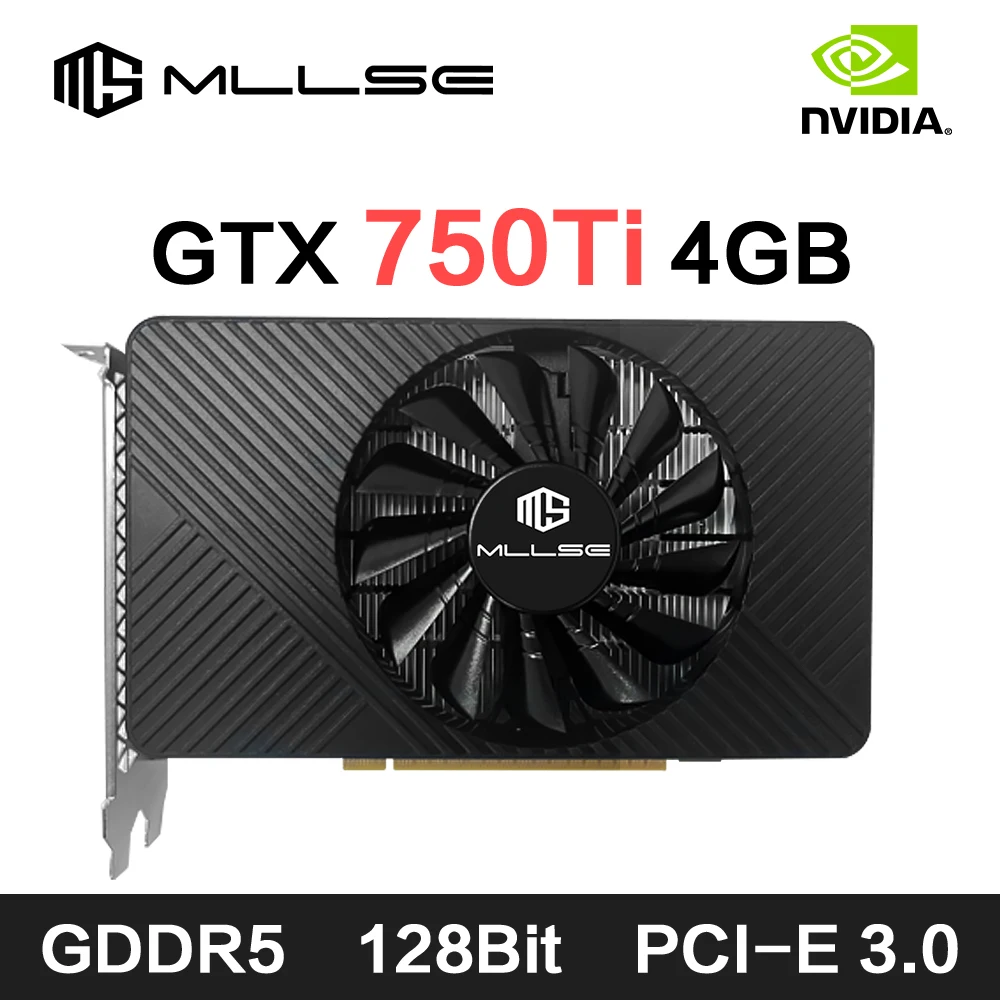
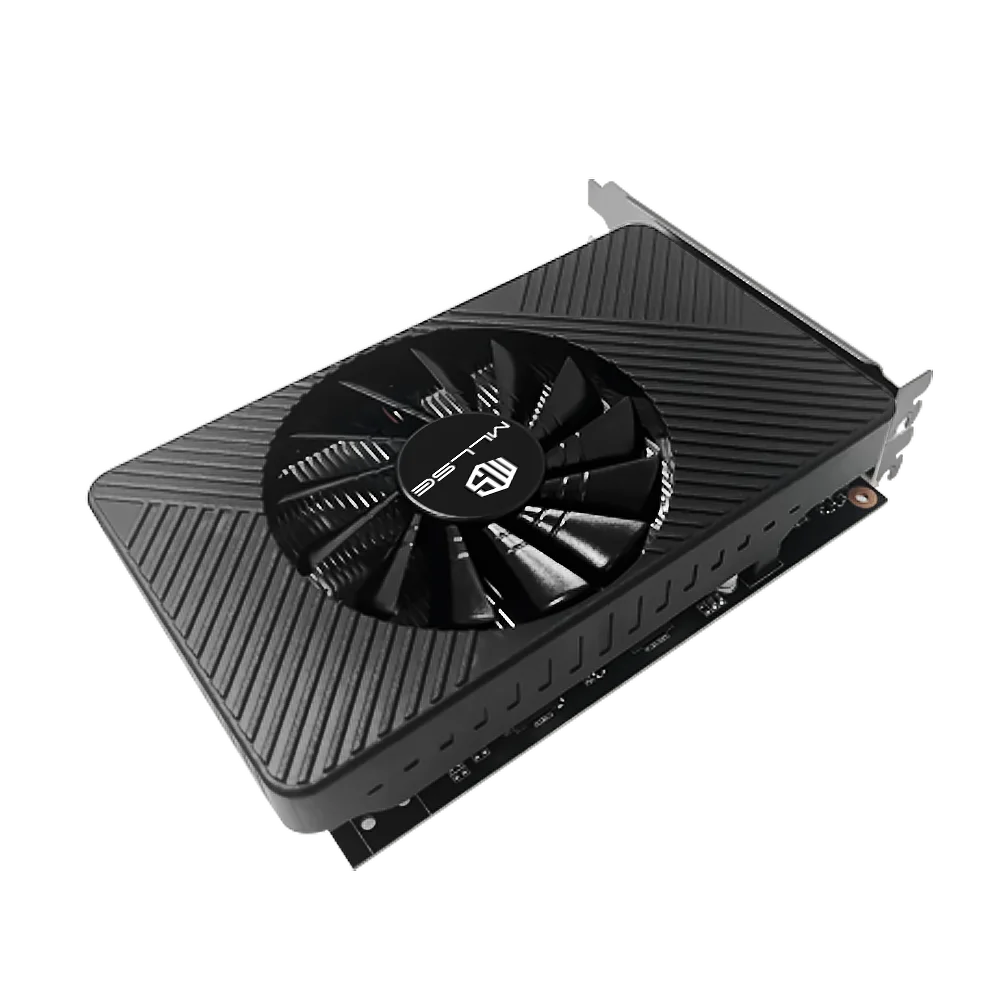

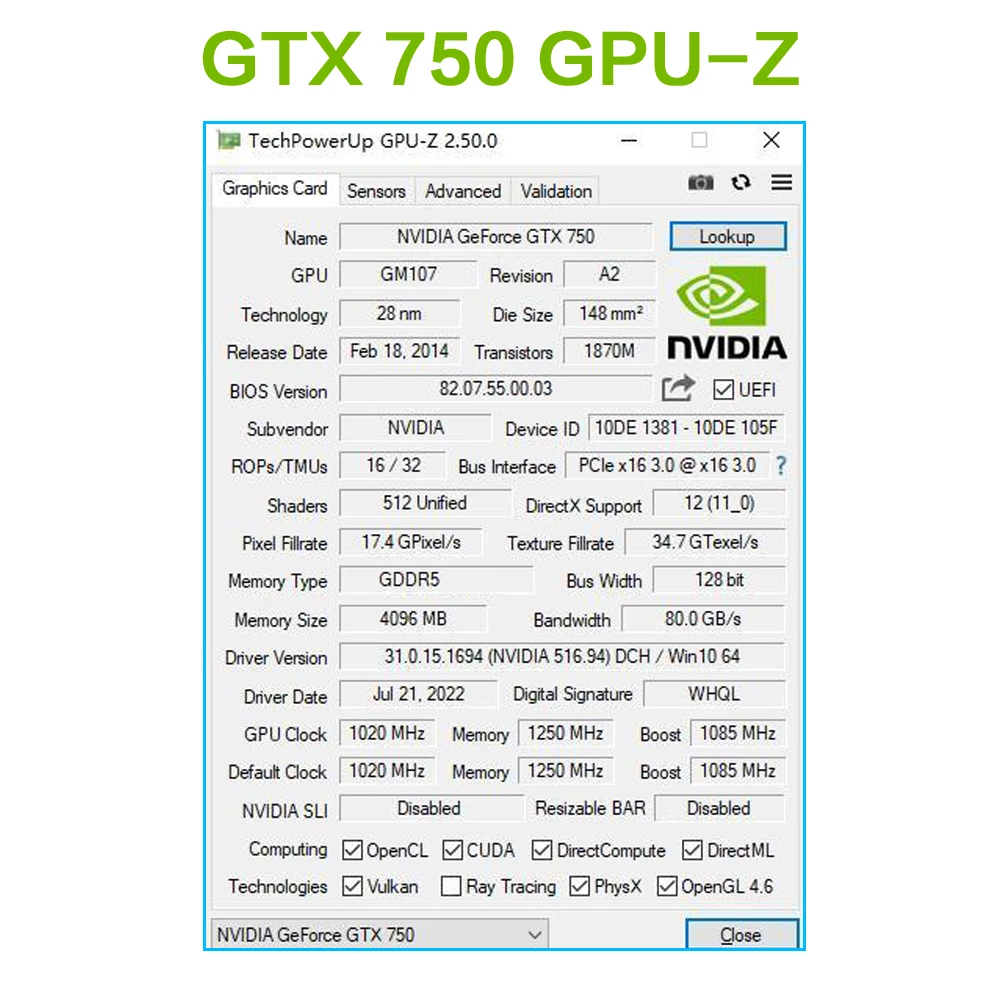
Unleash Gaming Power with the MLLSE GTX 750Ti
Experience next-level gaming with the MLLSE GTX 750Ti 4GB Graphics Card. Designed to deliver smooth performance, this GPU uses GDDR5 memory technology and a 128-bit interface to maximize speed. The combination of 4GB VRAM and enhanced architecture ensures your favorite games run seamlessly. Whether you’re turning up the settings for AAA titles or enjoying eSports classics, this card unleashes reliable power when you need it most.
Seamless Multi-Display Connectivity
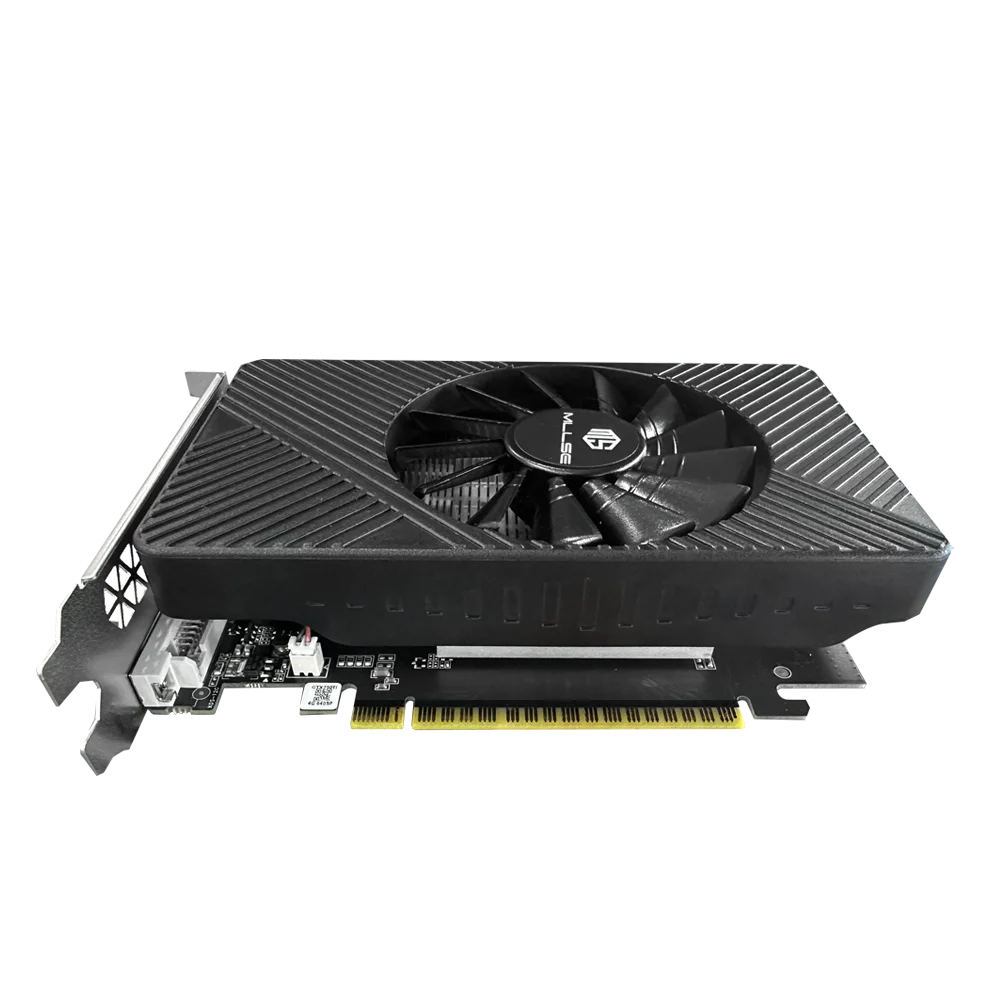
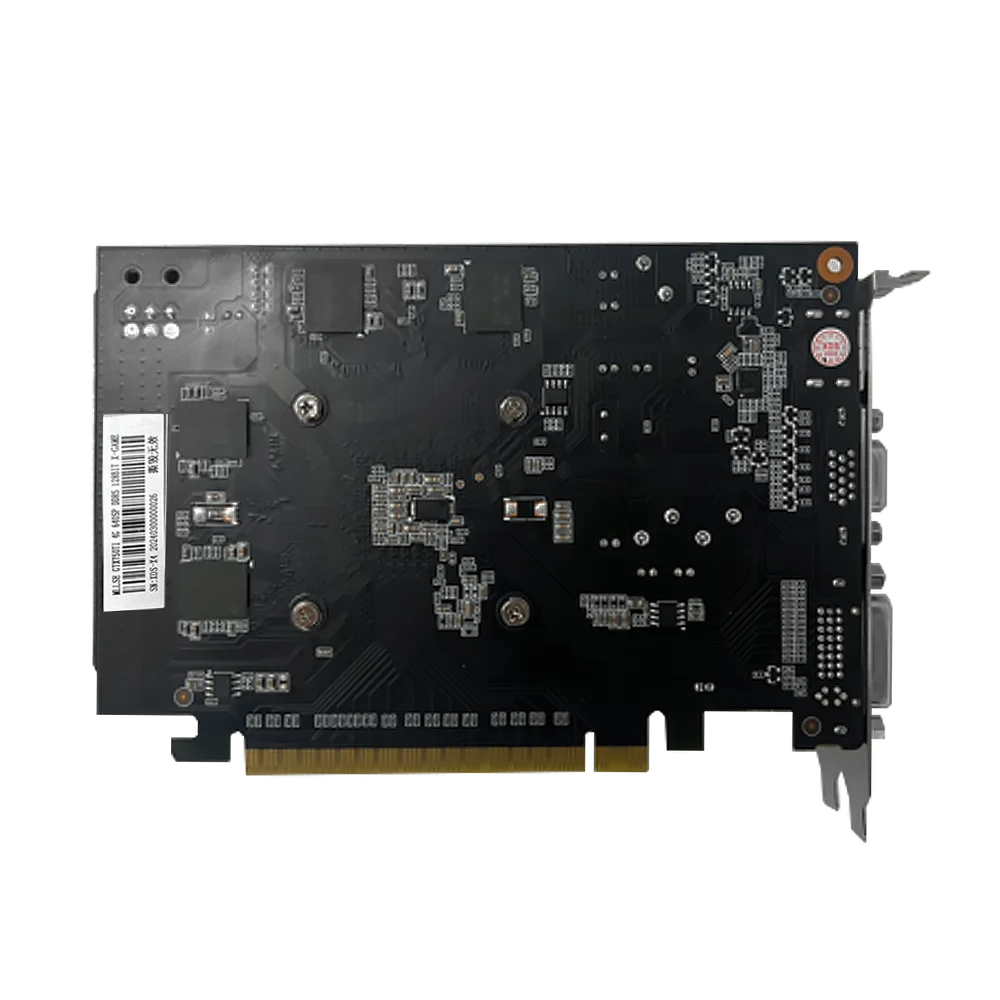
Connect like never before with HDMI, DVI, and VGA ports, offering wide compatibility for your gaming setup. Thanks to its PCI-E 3.0 interface, the GTX 750Ti ensures optimal communication between your hardware. Whether you’re setting up a single monitor or multiple displays, this card provides clear visuals and lag-free updates. Say goodbye to limits and hello to immersive worlds across multiple screens.
Efficient Cooling for Long-Lasting Performance
Heat won’t slow you down with this card’s efficient cooling system. Engineered for durability, it keeps your GPU’s temperature in check even during intense gaming. Coupled with its low power consumption, you won’t have to worry about overheating or high energy bills. Enjoy quiet operation and remarkable performance without compromise.
Affordable Gaming for Everyone
The MLLSE GTX 750Ti strikes the perfect balance between price and performance, making it ideal for gamers and professionals alike. Upgrade your PC and bring modern graphical power to your favorite applications without breaking the bank. From gaming and streaming to video editing, this graphics card redefines the meaning of value. Take your setup to the next level today!
“`


Install the graphics card
1.Turn off the computer and unplug the power cord.
2.Remove the chassis cover and find the PCle slot.(A)
3. Removethe metal back plate at the expansion slot you want to insert the graphics card in.
4. Insert PCle connector (B)to PCle slot and make sure that it is firmly inserted
5. Fix the graphics card to the expansion slot with screw (C)
6. Co nectthe coresponding PCle power connector (D) to he independent power supply inter face (E) on graphics card
Reviews
There are no reviews yet.